Turn any photo into chibi art in seconds
Upload a photo, pick a style, done. The chibi generator redraws your subject with the exaggerated big-head, small-body proportions that define chibi — as an avatar, a sticker sheet, a 3D figurine or a collectible toy. No drawing skills, and no prompt writing required.
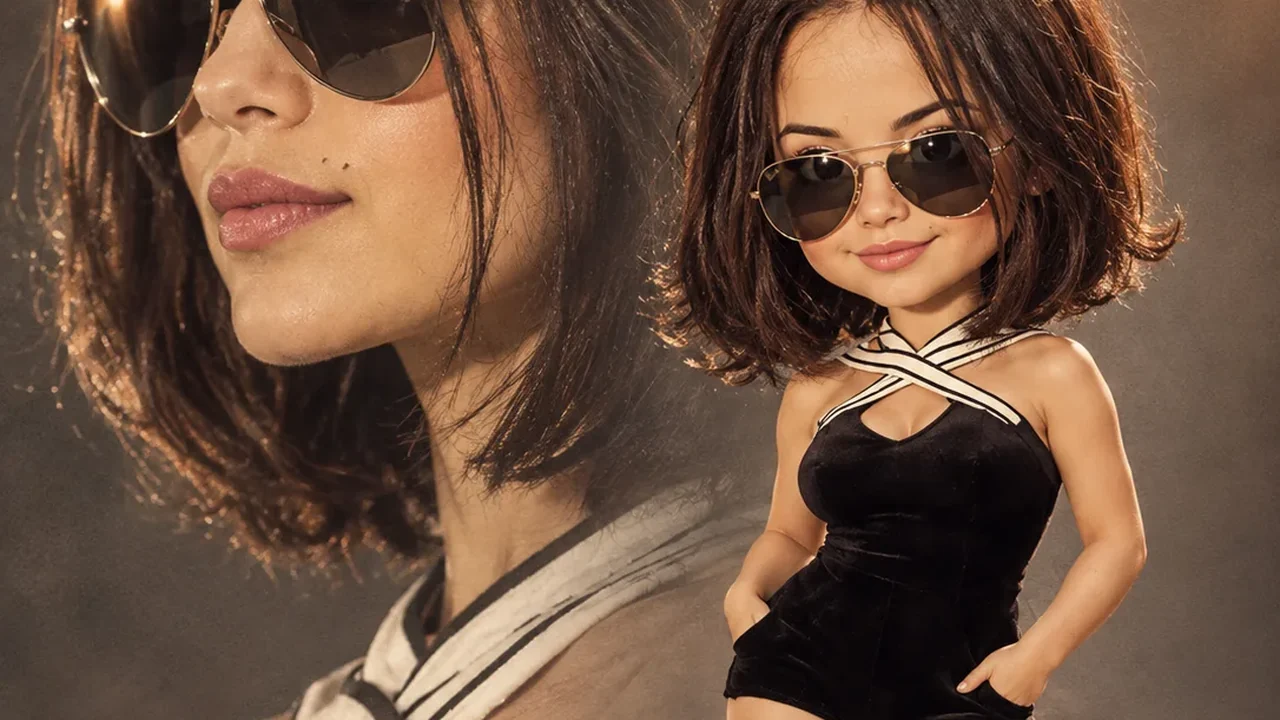
The workbench at a glance
Why creators use this chibi generator
Photo to chibi in one pass
The generator reads facial features, expression and distinctive details from your upload, then redraws them in chibi proportions. One upload, one click.
327 presets across 36 styles
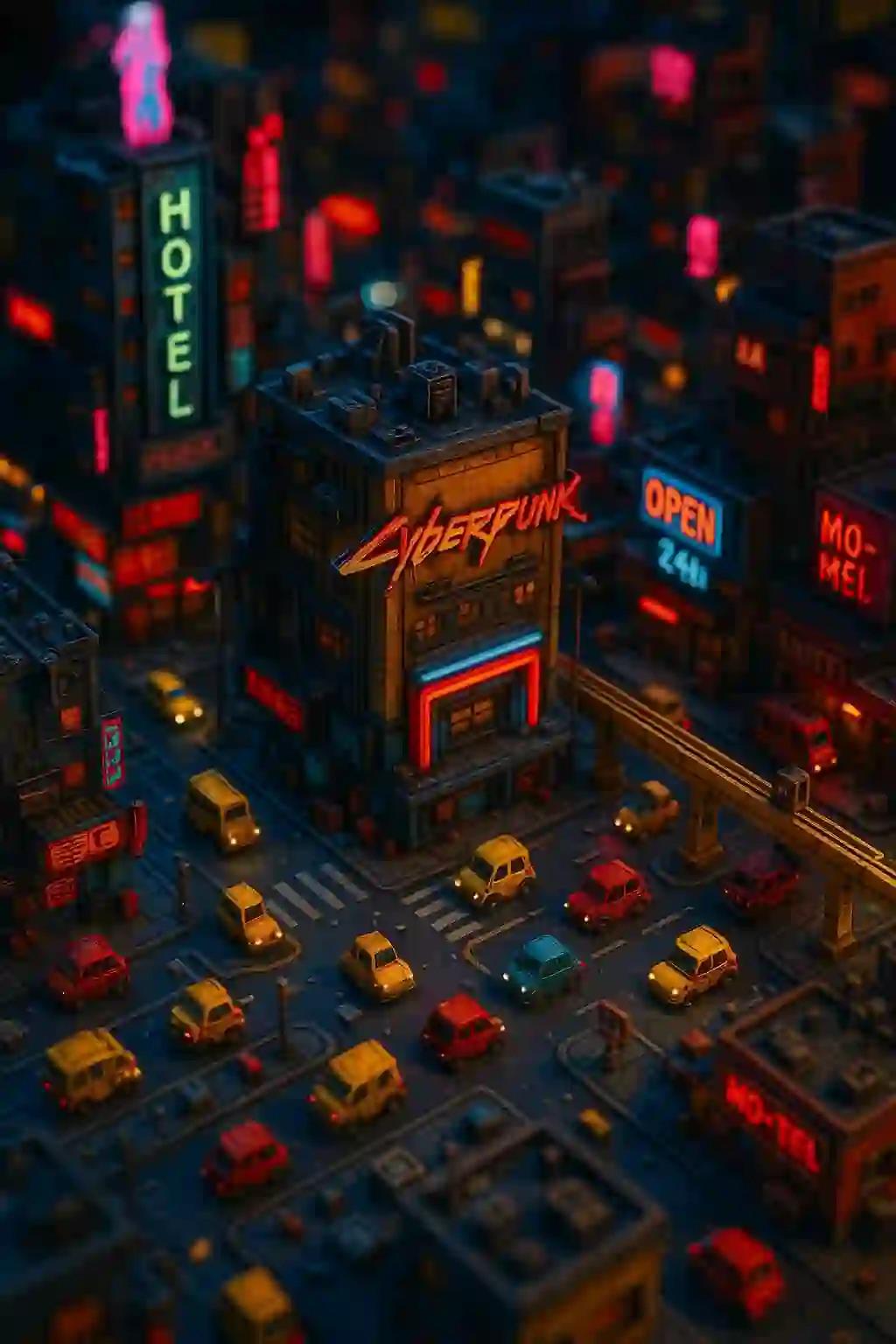
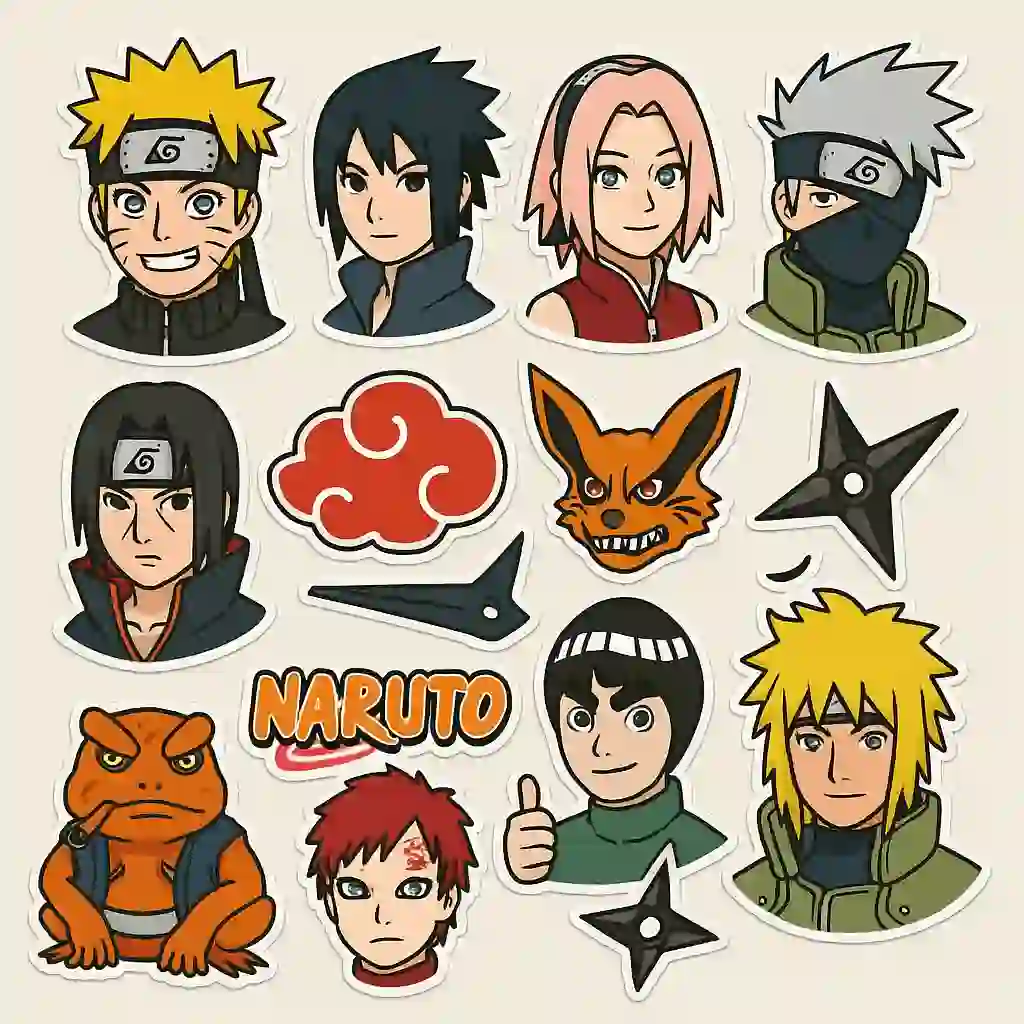
Chibi, 3D, anime, sticker, avatar, realistic, cyberpunk, watercolor, claymation, collectible figurine, pixel art — switch scene and medium without touching a prompt.
Zero prompt engineering
Presets carry the whole visual recipe. Photo-to-chibi and text-to-image both work without a prompt; an optional description only nudges background or scene.
2K output, up to 21:9
Eight aspect ratios from 1:1 avatar squares to 21:9 banners, rendered up to 2K so the result survives printing on stickers, tees and posters.
Make the chibi move
The animate tool turns a finished chibi still into a short video with no extra setup — ready for Reels, Shorts and TikTok.
Every result saved to your gallery
Each generation lands in your personal gallery automatically, so you can compare variants and re-download without regenerating.
Ten chibi tools, one workbench
Every generator below is a dedicated tool with its own presets and output format.
🖼️ Image to Image
上传照片,转换成任意 Q版风格
Turn a photo into chibi →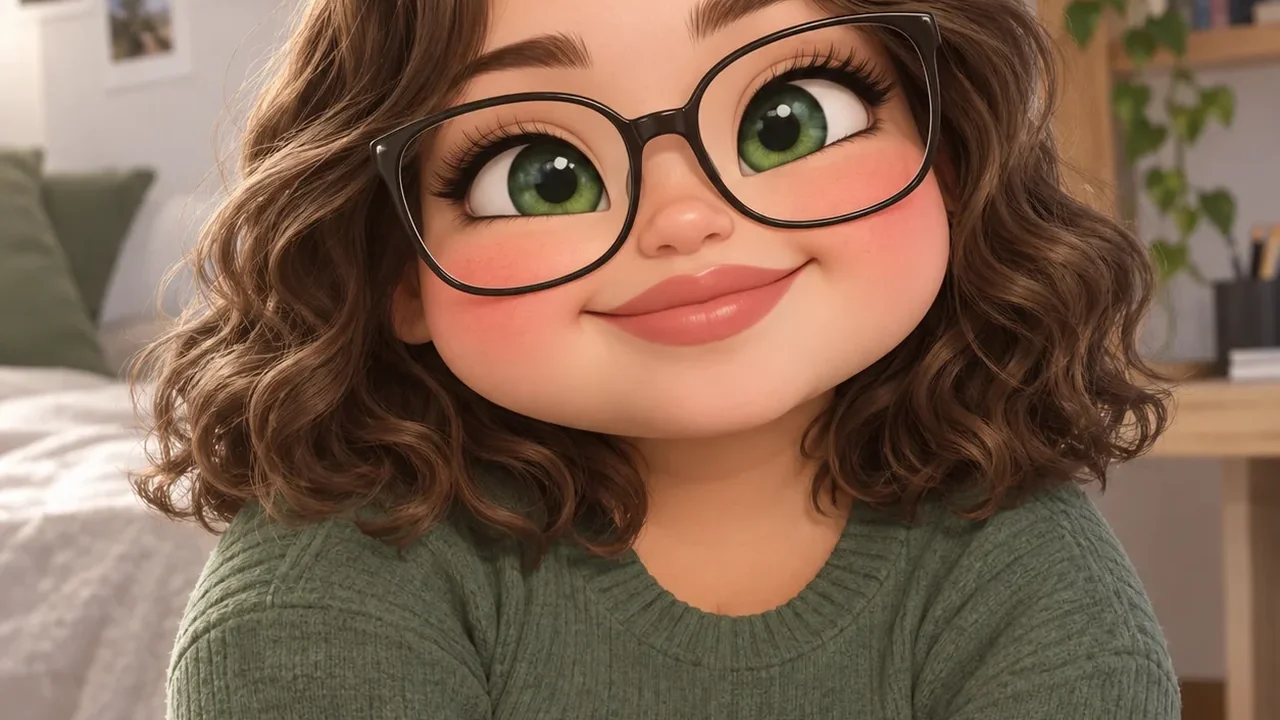
📝 Text to Image
只写文字描述,直接生成 Q版插画
Generate an image from text →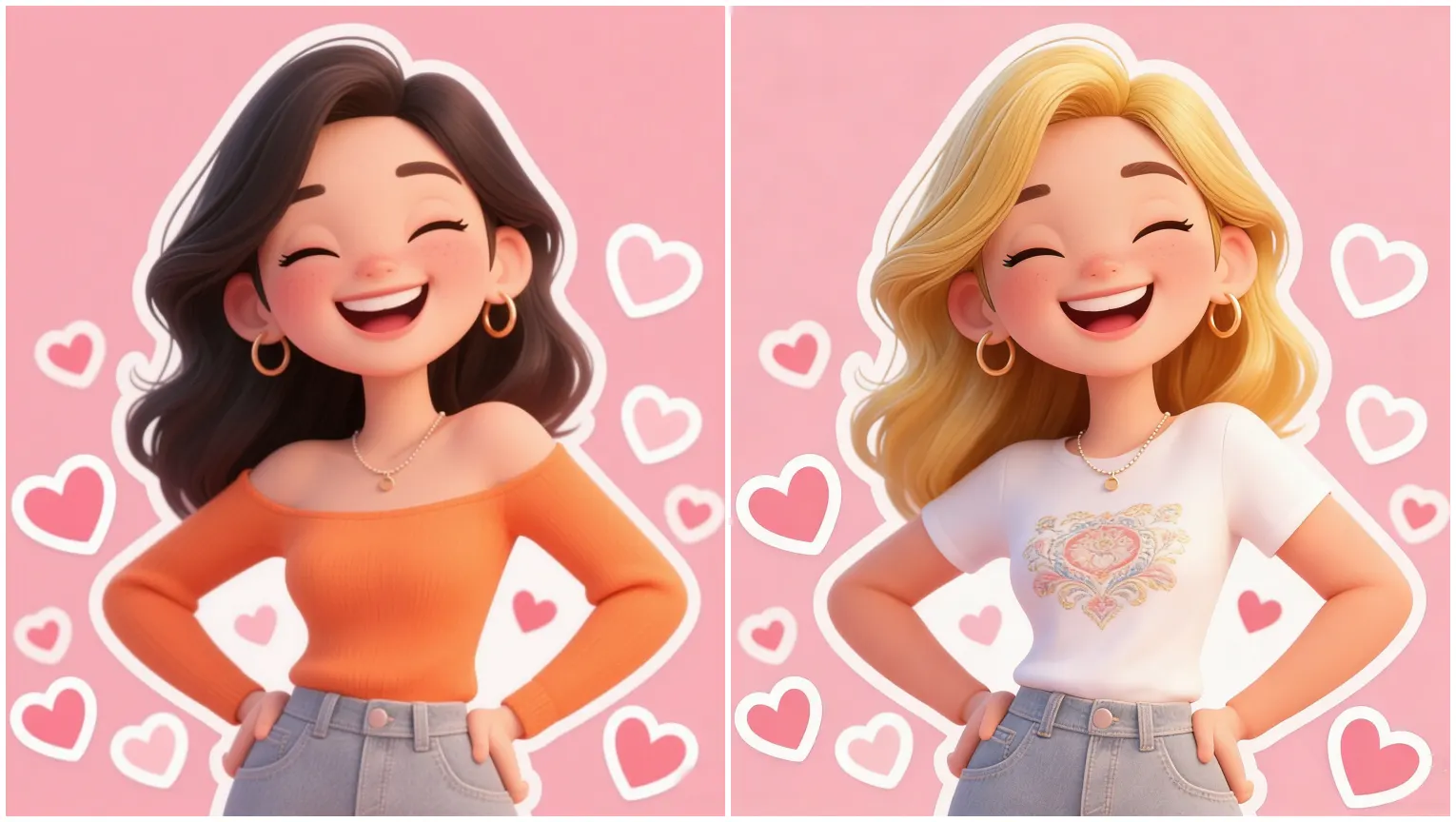
🪄 Image Editor
AI 精准修改:换背景、加元素、改姿势
Edit a photo by instruction →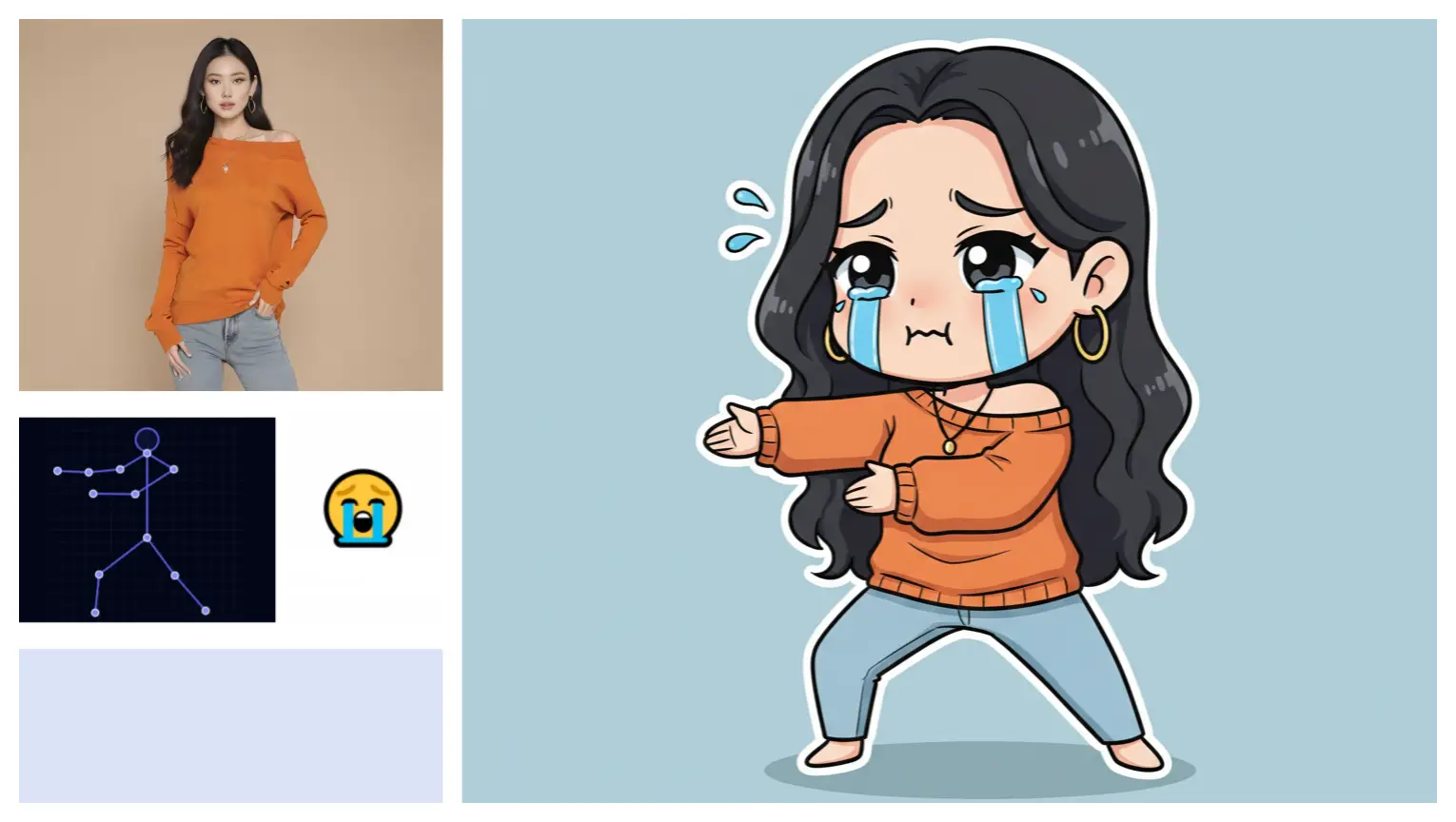
👾 Custom Chibi
自定义角色设定,多张照片保持一致
Build a consistent character →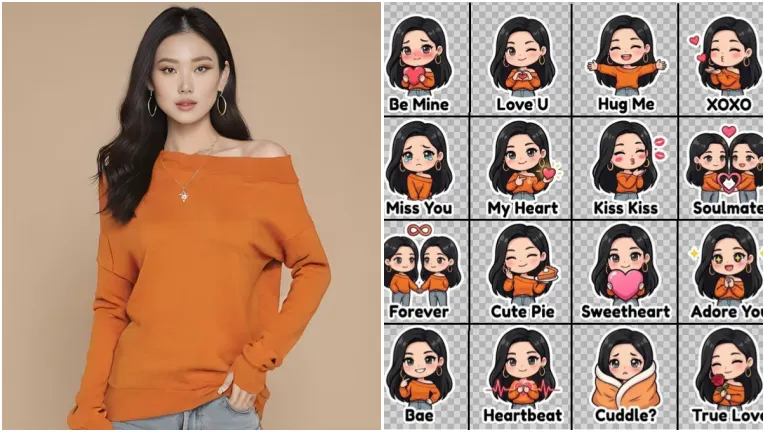
😀 Emoji Pack
一次生成 16 张成套表情贴纸
Make a 16-piece emoji pack →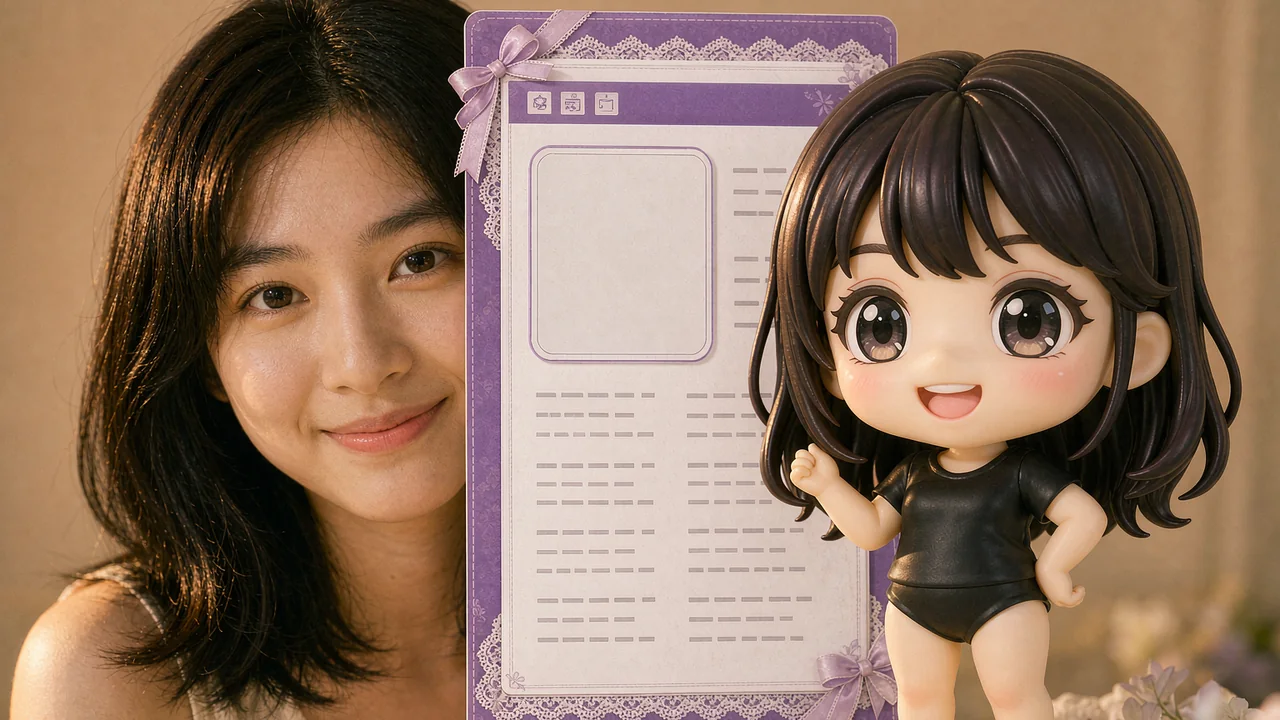
🪪 Character Card
选模板、上传照片并填表单,生成 3:2 / 3:4 的角色设定卡
Create a character card →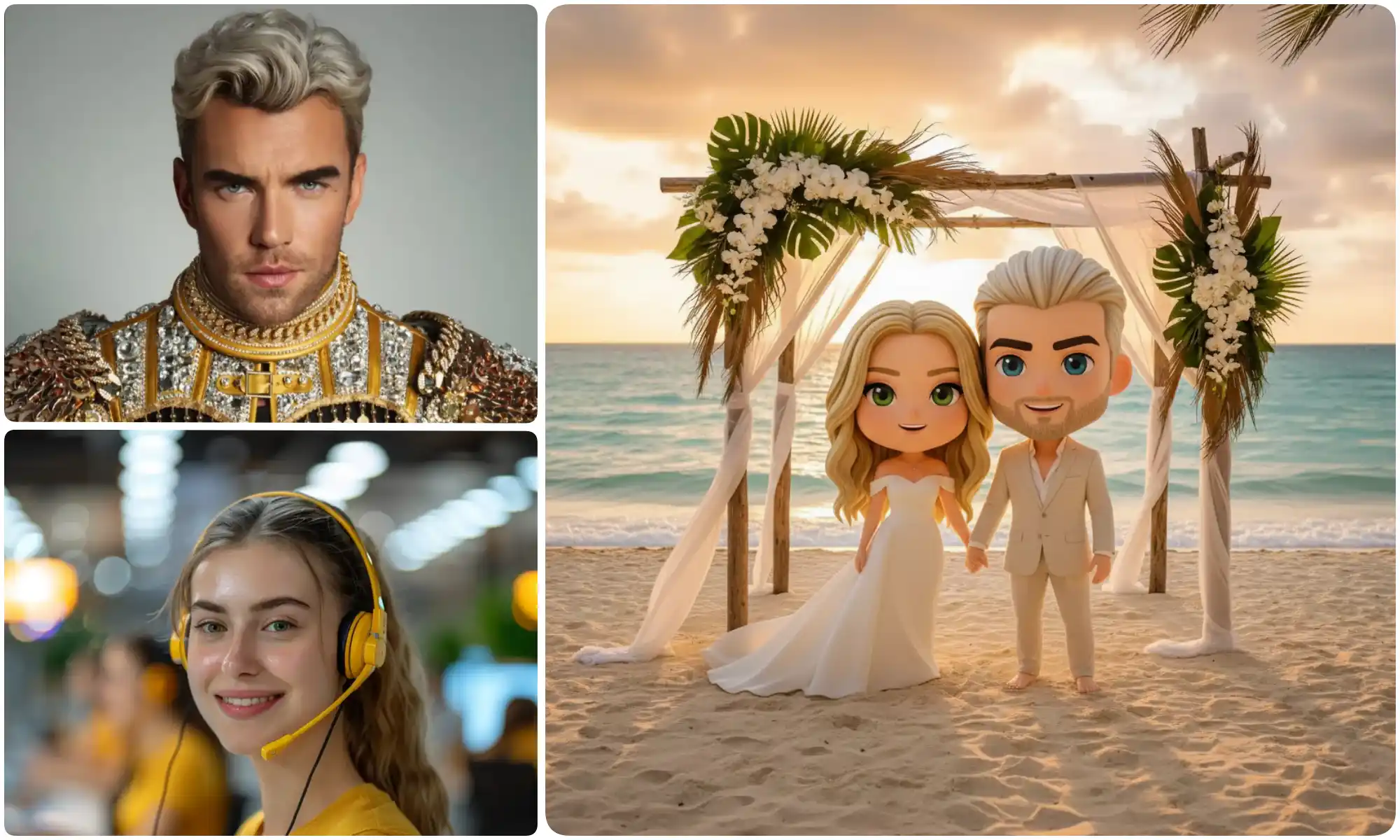
💕 Couple Merge
两张照片合成一张 Q版情侣合照
Merge two photos into one →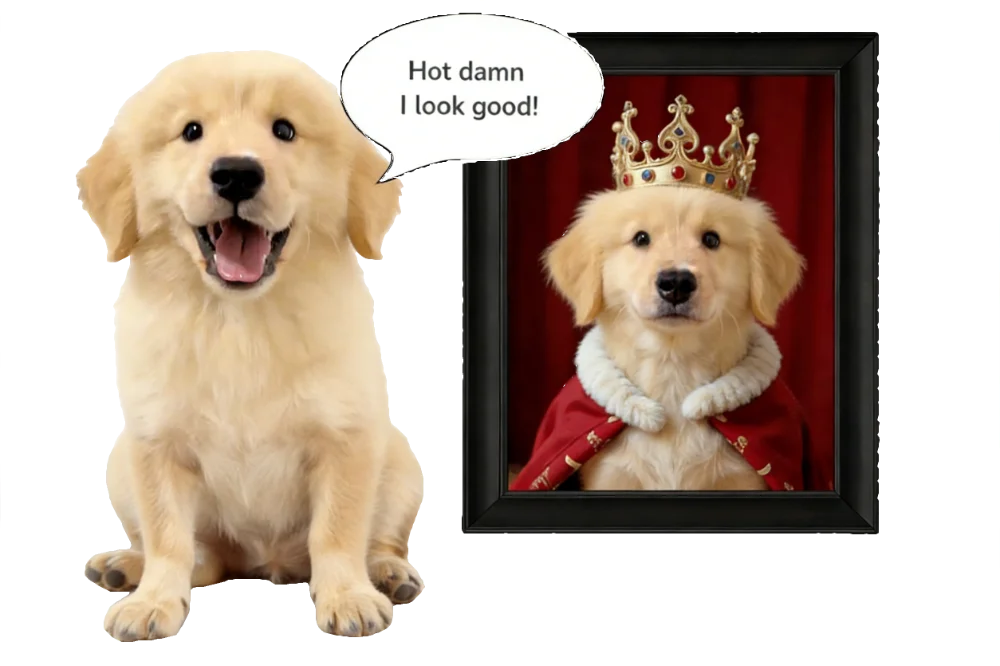
🐶 Pet Portrait
把毛孩子变成 Q版肖像
Turn your pet into chibi art →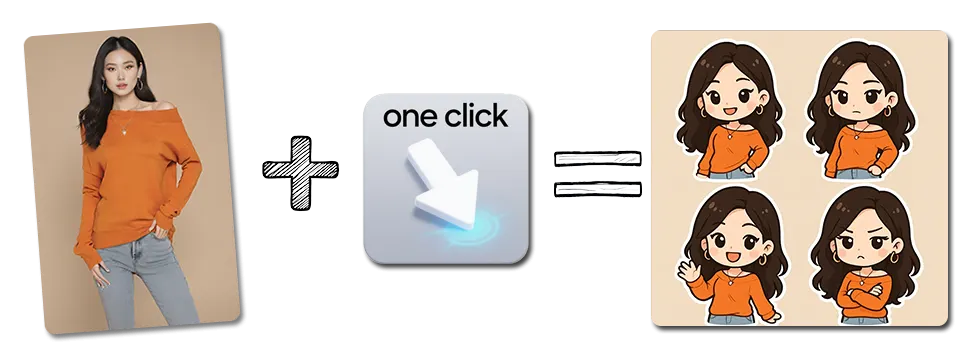
🎬 Image Animate
静态图一键变成会动的短视频
Animate an image into video →
😹 Text to Meme
写下一个情境,AI 配好底图,再改文字导出梗图
Make a meme from a description →See what a simple prompt can become
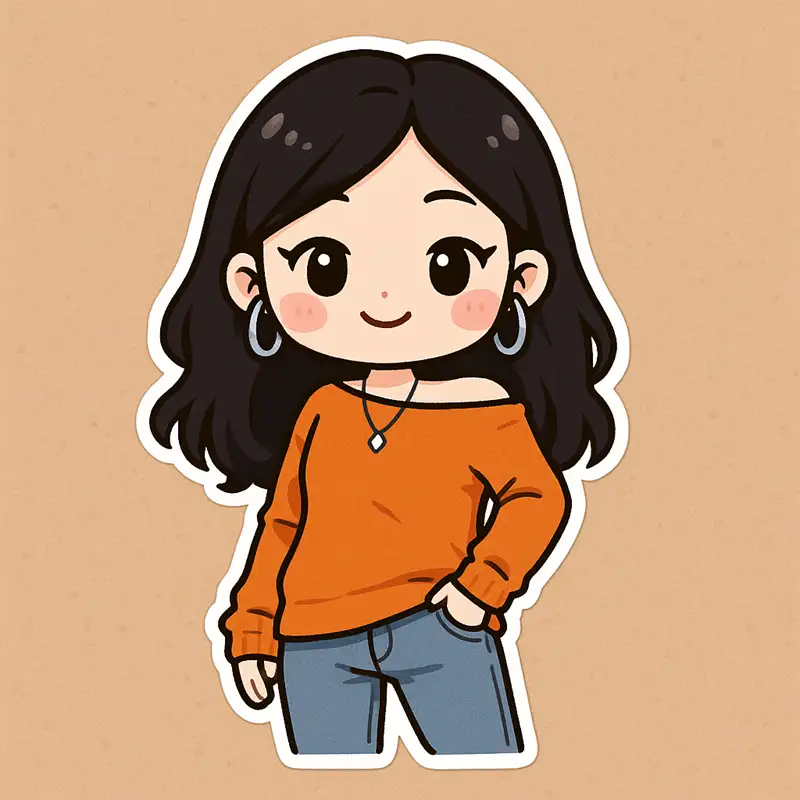
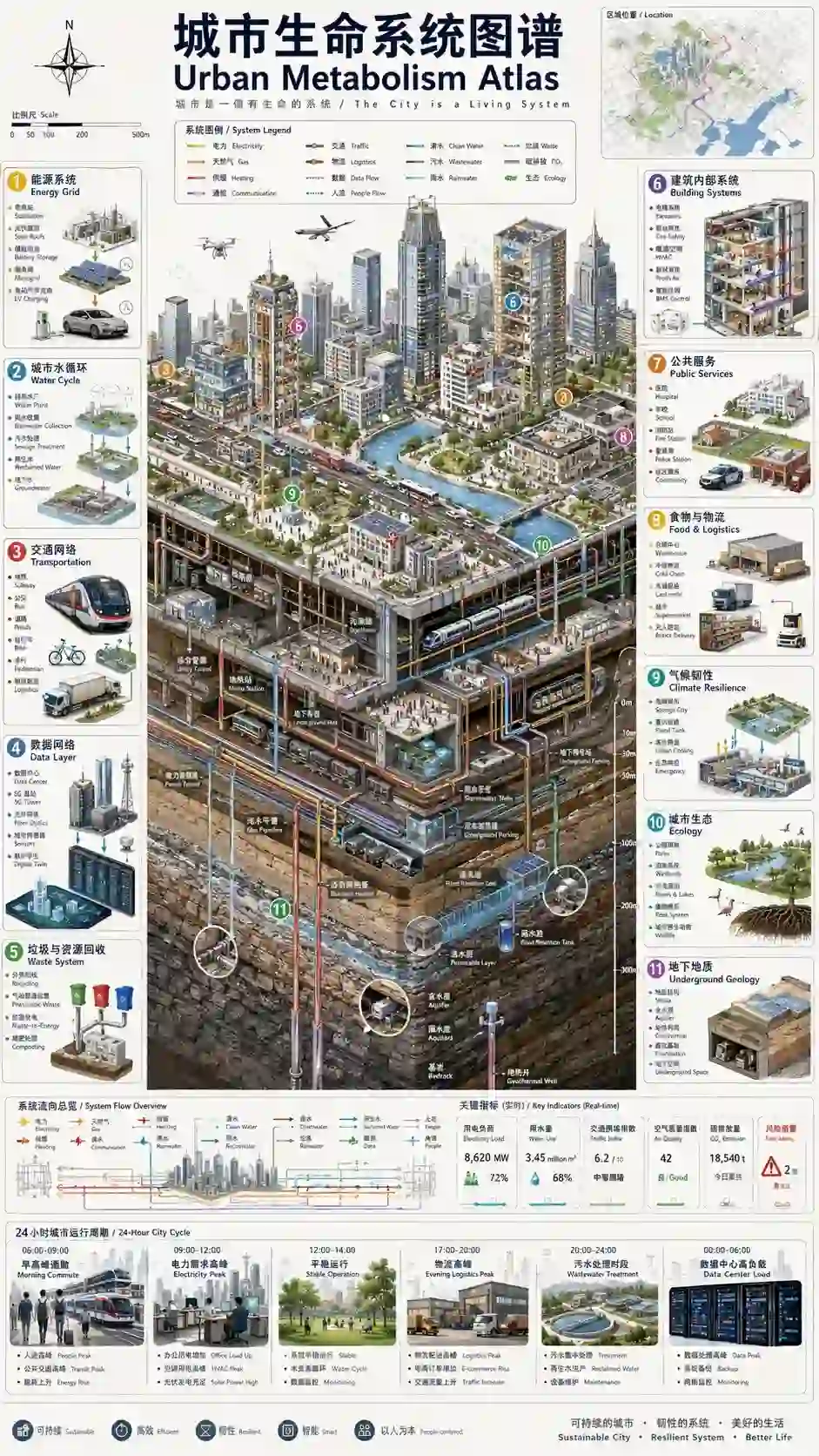
Real examples from the gallery — each pair is a finished render and the kind of prompt or style that produced it.
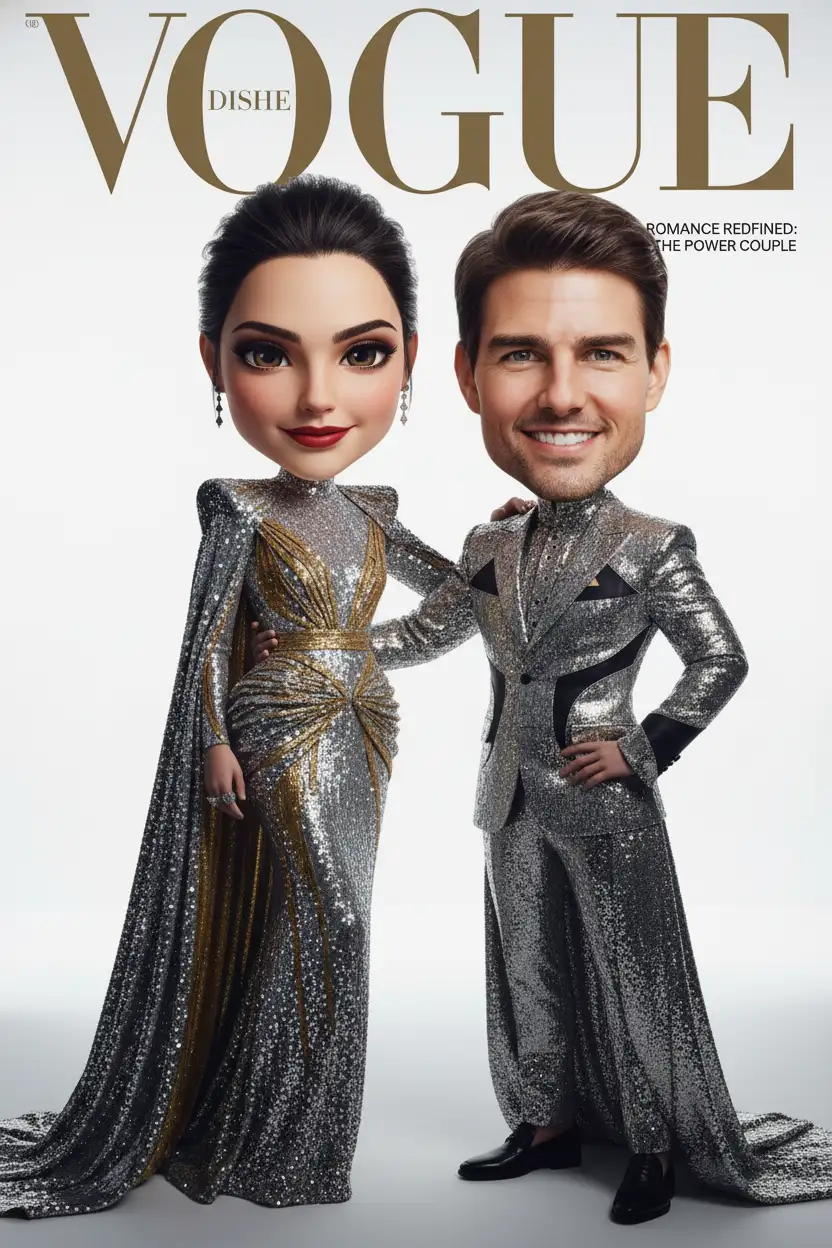
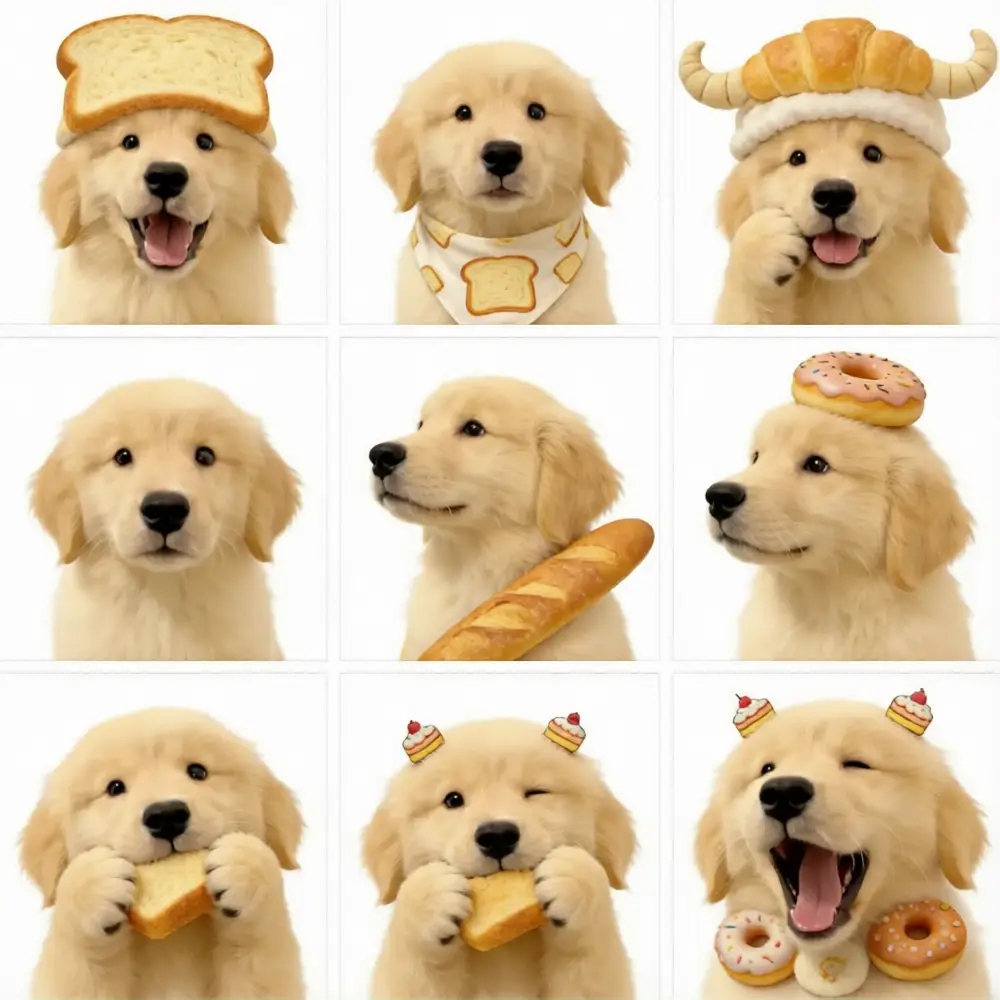
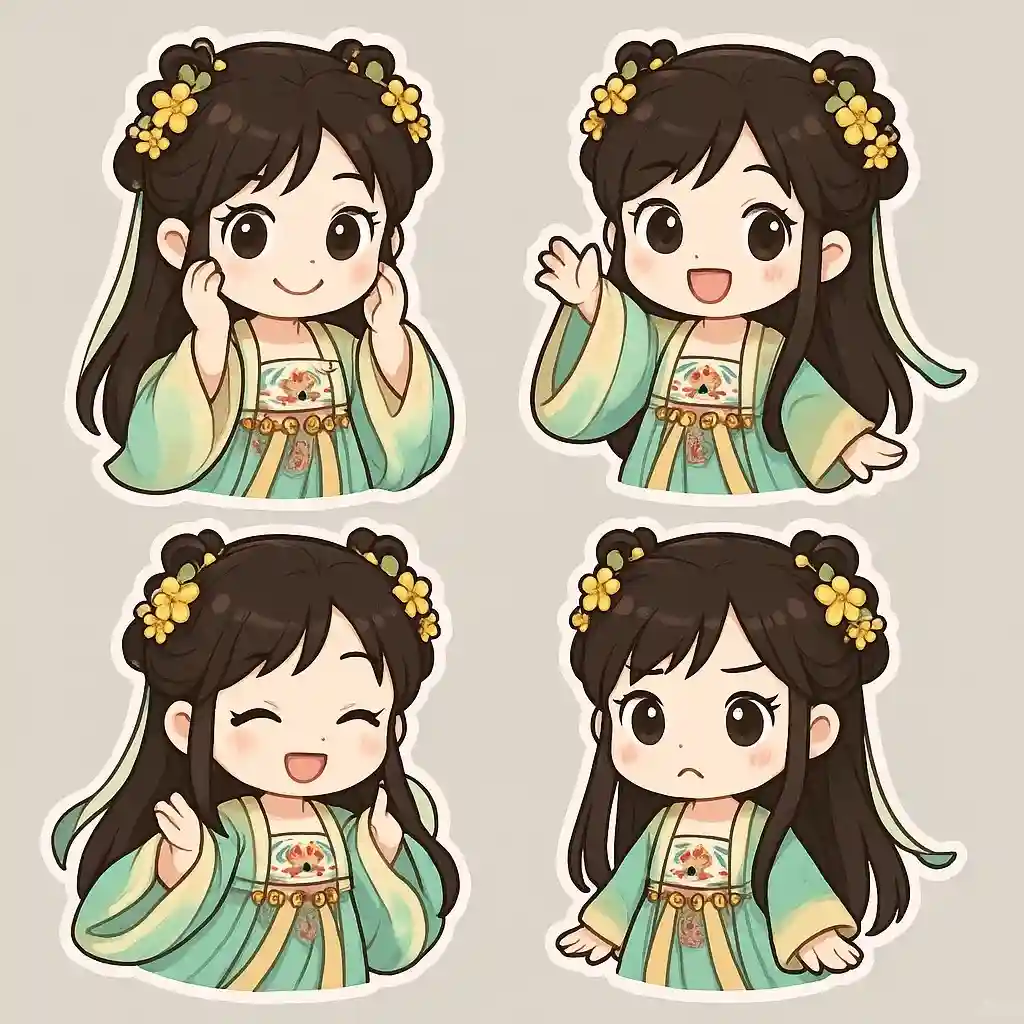
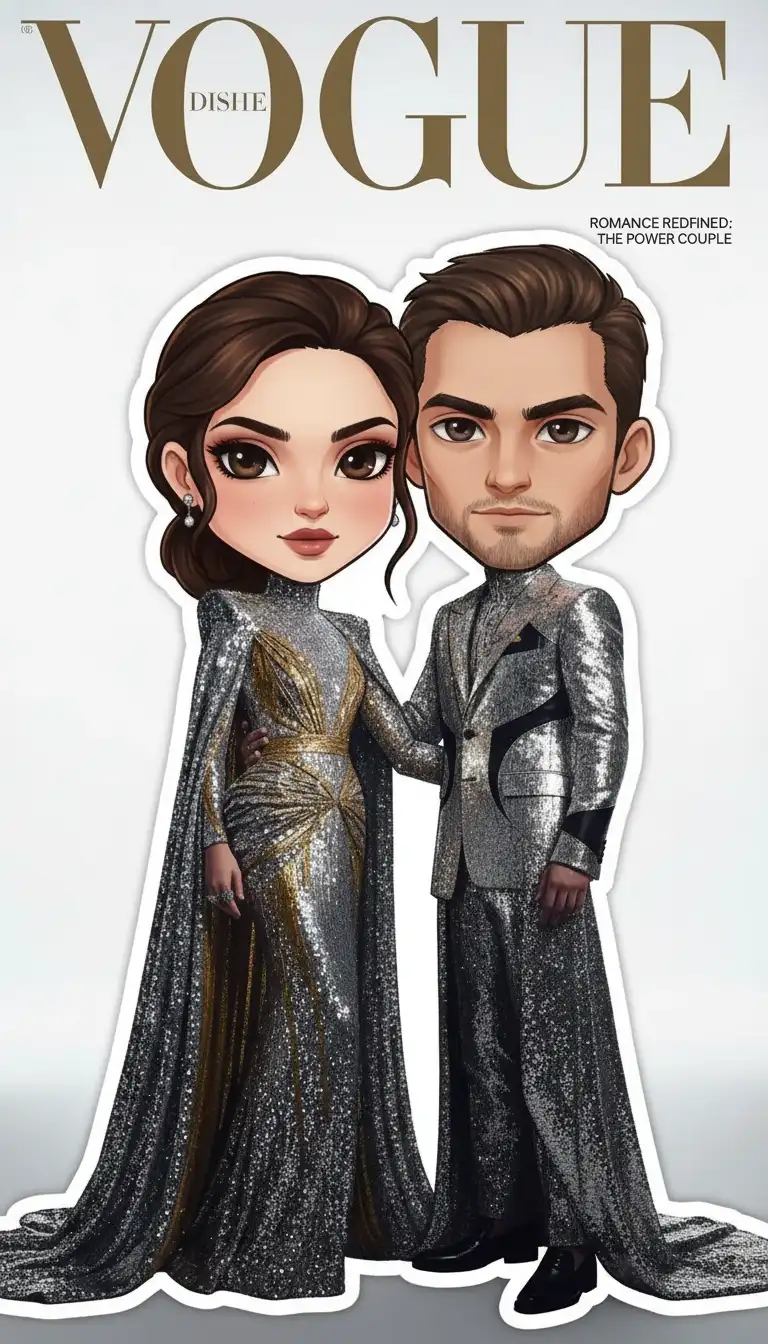
How it works
Pick a style
Choose from 36 style families — chibi sticker, 3D figurine, anime, watercolor and more. Previews show what each one produces.
Upload a photo
Any standard format works: JPG, PNG, WebP. For a couple or pet shot, upload two images and the tool merges them into one frame.
Generate and download
The render takes seconds. Download at full resolution, or send it straight to your gallery.
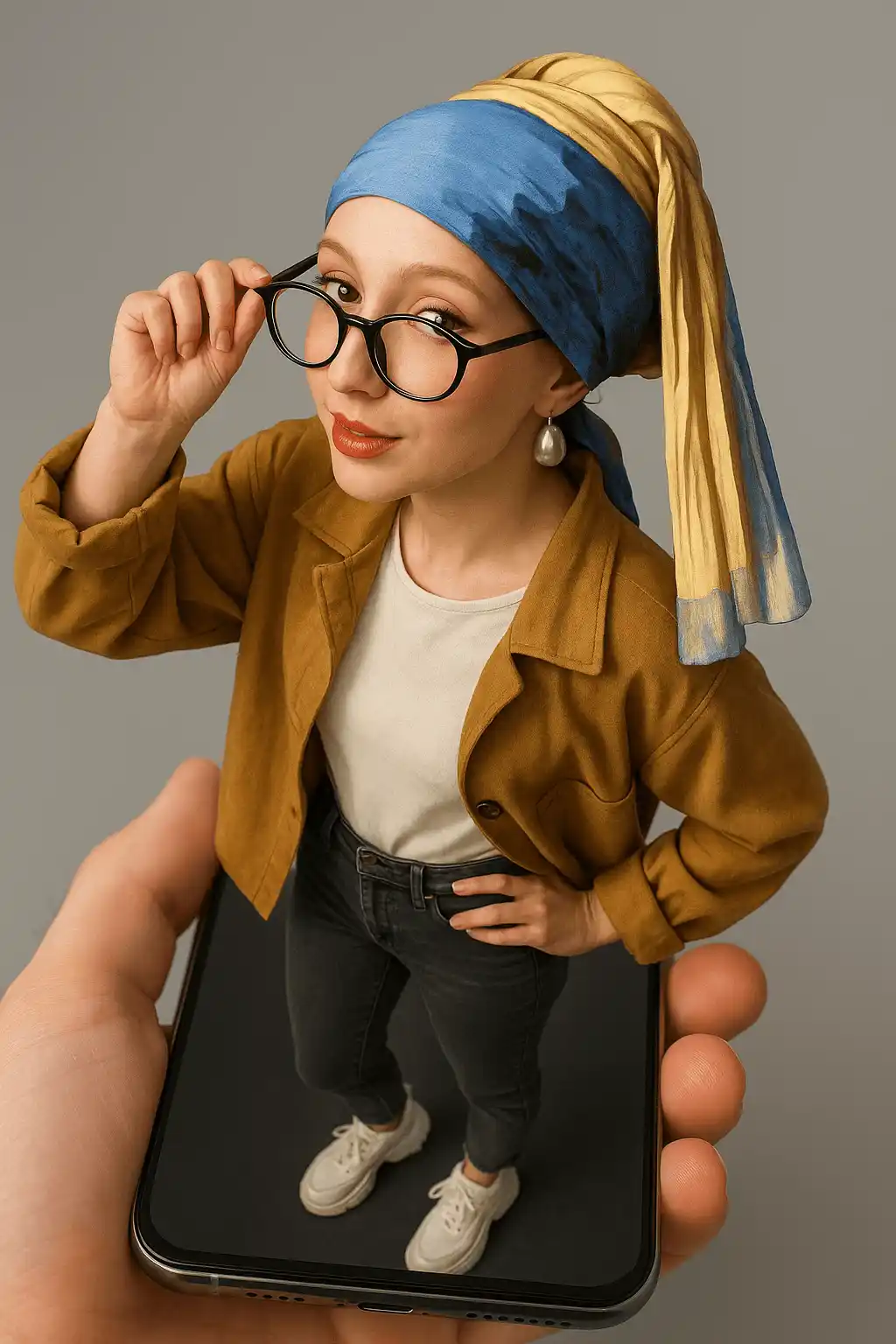
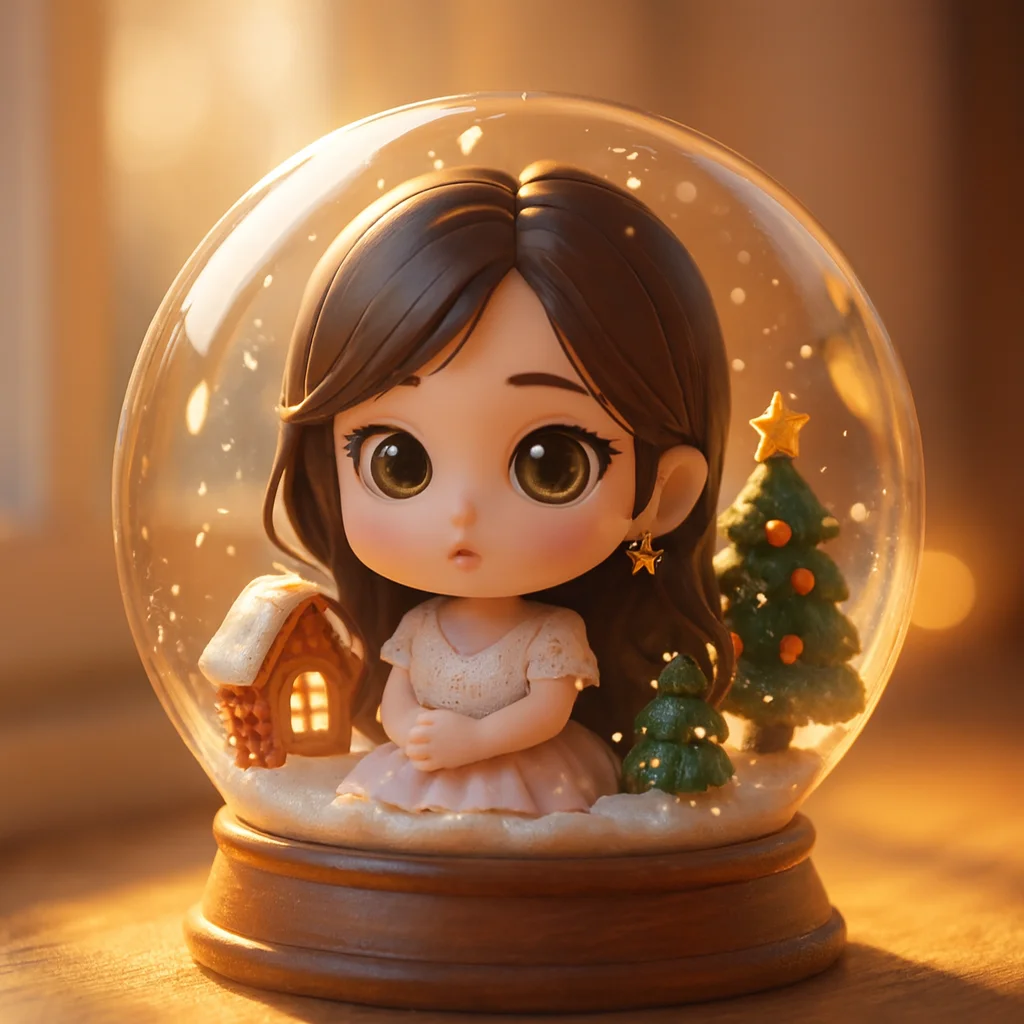
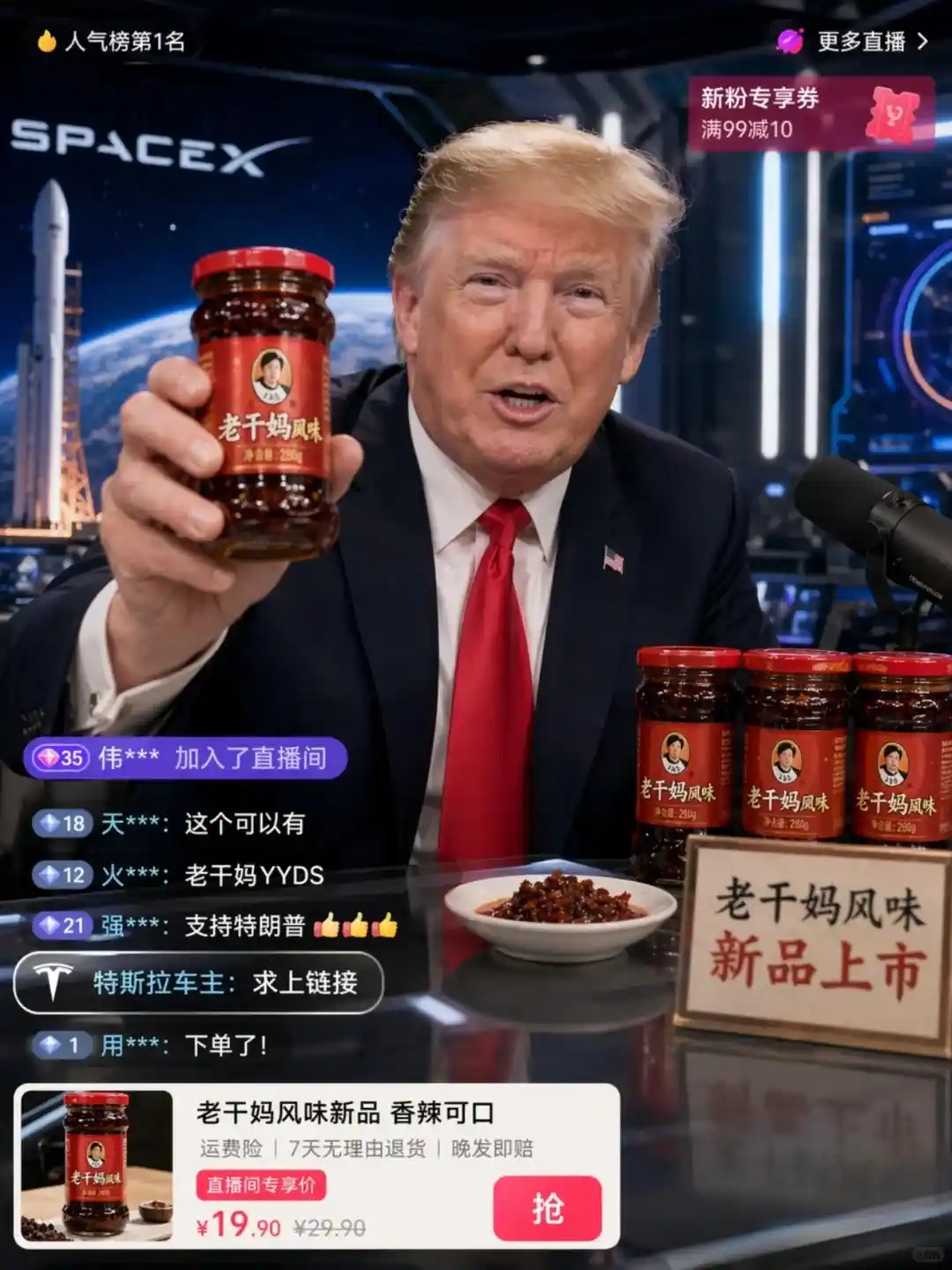
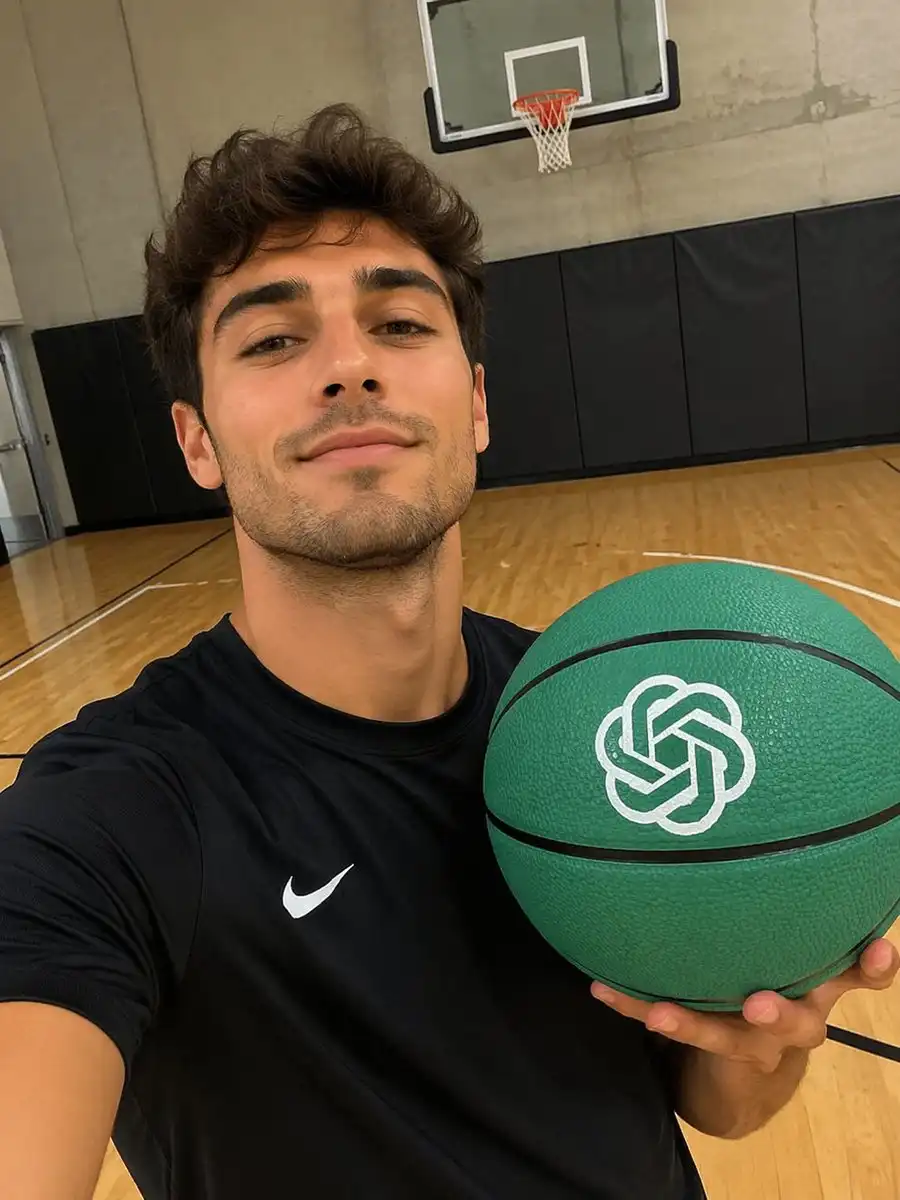
Made with the chibi generator
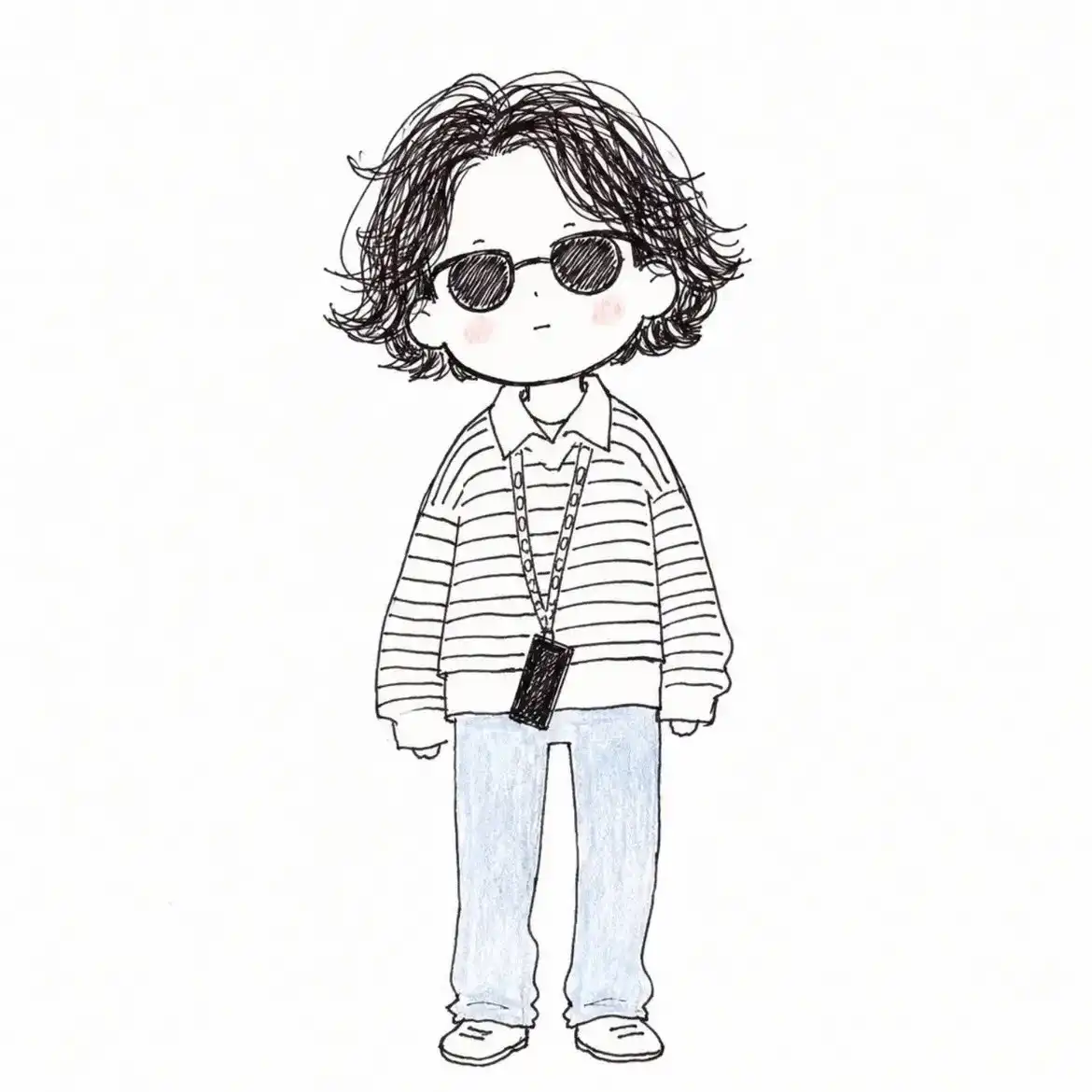
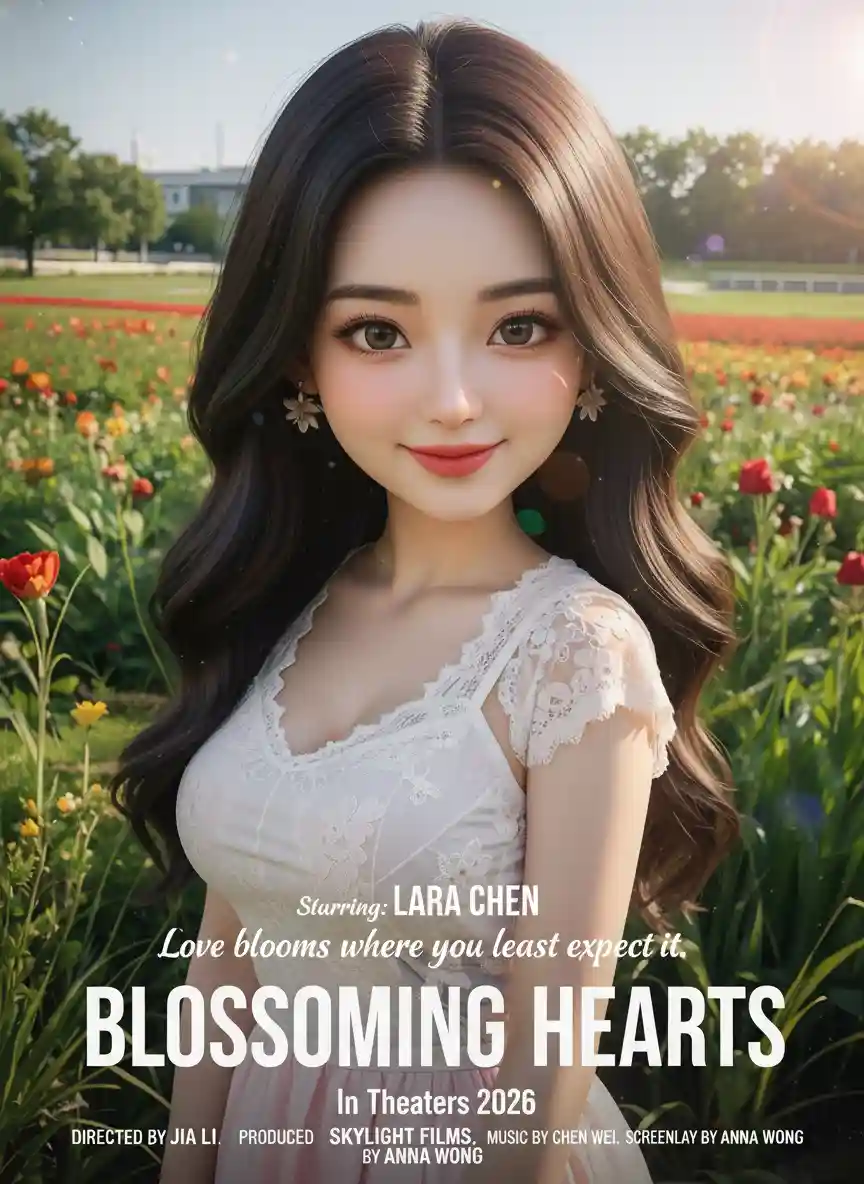
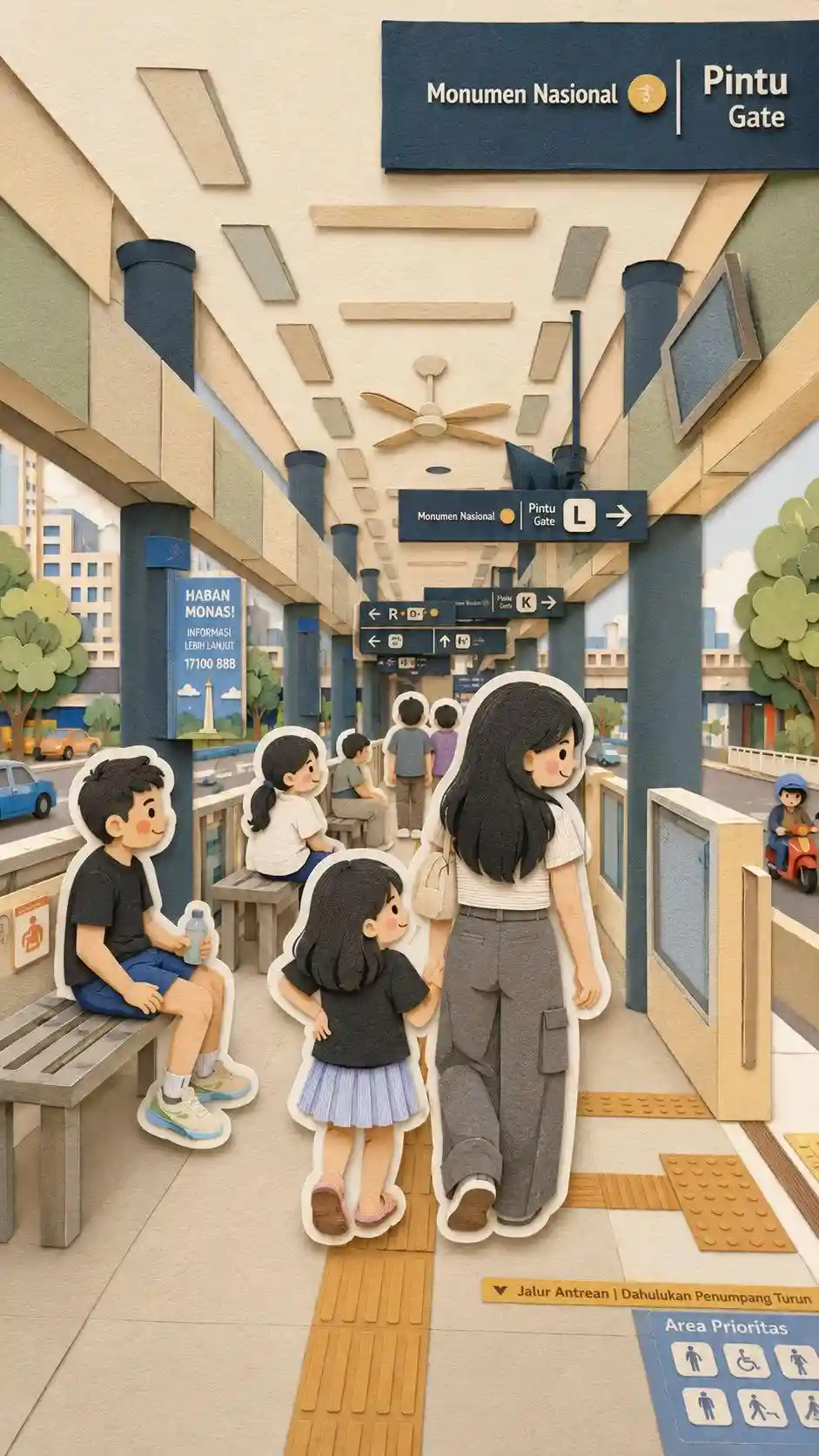
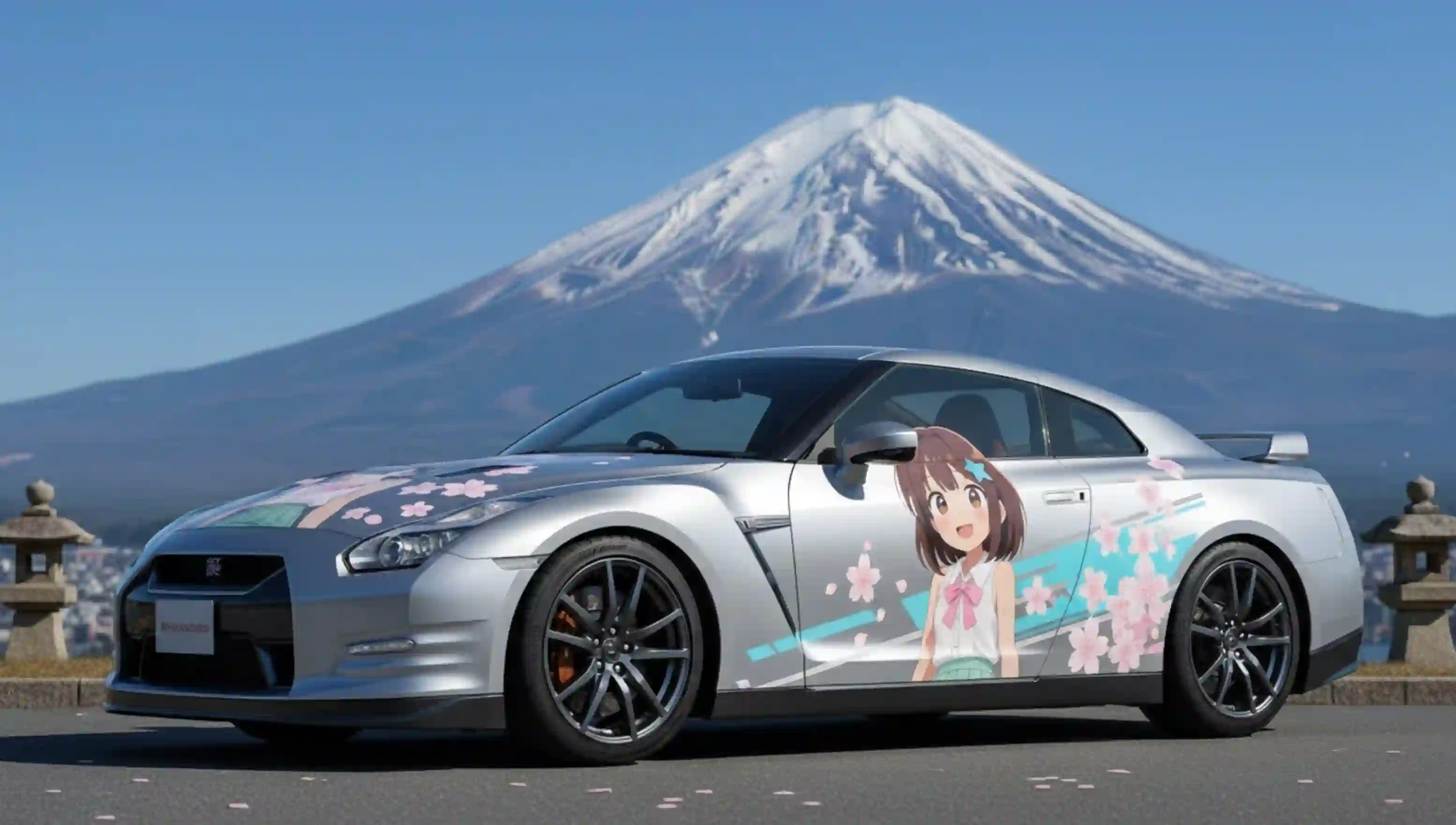
A sample of community uploads rendered through the same presets.
Frequently asked questions
What is chibi?
Chibi is a drawing style that exaggerates a character's head and shrinks the body — typically a head roughly as tall as the torso. The proportions make a subject read as cute or playful, which is why chibi is the default style for avatars, stickers and mascots.
How does the AI chibi generator work?
You upload a photo and choose a preset. The model analyses face shape, expression and distinctive details, then redraws the subject in chibi proportions inside the scene described by the preset. The result renders in seconds and can be previewed before you download.
Is it free to use?
Yes. The free plan gives one generation credit per month at 800×800 with no ads and no watermark. Premium is $5 per month for 60 credits at 1024×1024, and Ultimate is $10 per month for 140 credits at the same resolution.
Do I need to write prompts?
No. Every preset includes a complete visual recipe, so photo-to-chibi and text-to-image both work without a prompt. An optional short description only steers the background or the scene.
Can I generate chibi art without a photo?
Yes. The text-to-image tool builds a chibi scene entirely from a written description plus a preset, so nothing needs to be uploaded. It is also where poster, infographic and character-sheet layouts live.
Can it turn a photo into an emoji or sticker pack?
Yes. The emoji tool renders a complete sixteen-tile sticker sheet from a single photo in one pass — the same face across a range of expressions, ready to slice into chat stickers for WhatsApp, Telegram or Slack.
Can it merge two photos into one image?
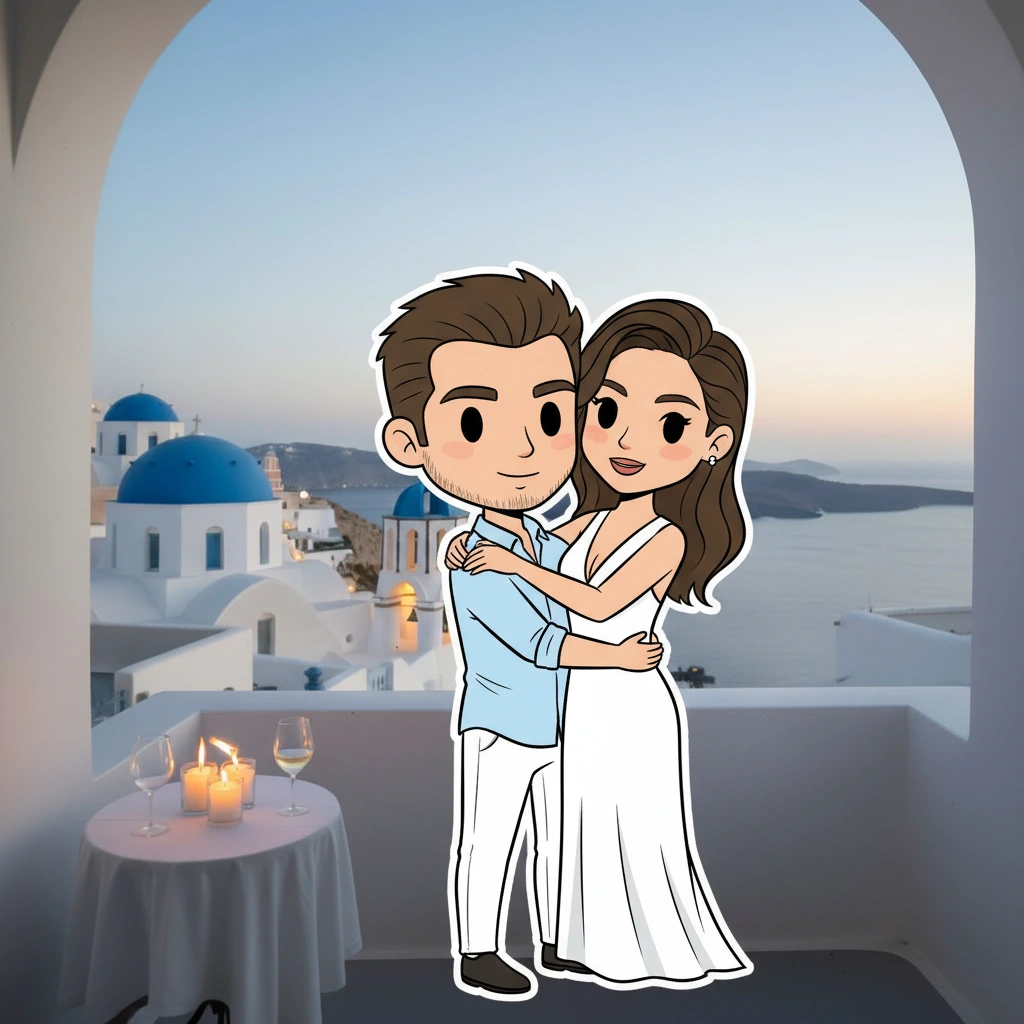
Yes. The couple-photo tool takes two uploads and composes them into a single chibi frame with matched scale and shared lighting — useful for portraits, wedding invitations and anniversary prints.
Can it animate a chibi image into a video?
Yes. The image-to-video tool turns a finished chibi still into a short clip by describing the motion, up to 720p for Reels, Shorts and TikTok.
Can it make memes or GIF memes?
Yes. The meme tool starts from a written situation: generate a fresh base image, or search 1548 built-in animated GIFs by tag — then layer two editable captions on top. Captions are drawn in the browser, so they are correct in every language and free to reword.
What image formats can I upload?
JPG, PNG and WebP all work. Uploads are used only for the generation you requested.
Can I use the results commercially?
Yes. Artwork you generate carries full commercial rights, including printing it on stickers, apparel or other merchandise.
How long does one generation take?
Usually a few seconds — image output is fast; the image-to-video tool takes longer because it renders a sequence of frames.
Which languages does the interface support?
Six: English, Simplified Chinese, French, Spanish, Japanese and Arabic, with right-to-left layout for Arabic.